Camtasia AI
Visual Walkthrough
How to use AI Noise Removal and Dynamic Captions in Camtasia:

Open Your Project in Camtasia: Start by loading the video you want to edit.

Access Audio Effects: Go to the panel where audio tools are located.

Find the AI Noise Removal Tool: Locate Camtasia’s AI-powered
background noise cleaner.

Drag Noise Removal Onto Audio Track: Drop the effect directly on your video’s audio timeline.

Confirm Effect Is Applied: Check that the noise removal filter
is now active.

Adjust Noise Removal Settings: Use the controls to fine-tune how much noise is removed.

Audiate Is Optional: Audiate offers extra AI features but isn’t required for this.

Switch to Captions Panel: Go to the section for adding captions or subtitles.

Add Dynamic Captions to Timeline: Drag the captions tool to your
video track.

Camtasia Generates Transcript: The software creates captions from your video’s audio automatically.

Customize Captions: Edit font style, size, and placement
as needed.

Zoom In on the Captions Track: Get a closer look for precise
caption adjustments.

Edit Individual Words: Click any word in the transcript
to make changes.

Update the Transcript: Revise the text to ensure captions match the spoken content.
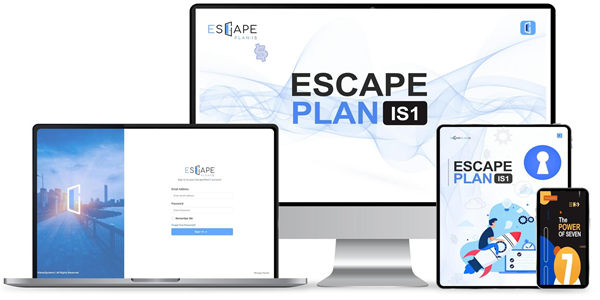
Escape Plan IS1: Unlock The Blueprint to My 4 Million Dollar Digital Product Systems. And Use Them Yourself
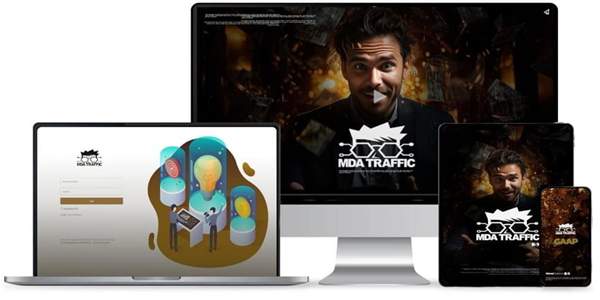
MDA: The 10 Minute Traffic Trick We Use To… Make Google Send Targeted Traffic To Any Offer… For Free! You Can Do This Today In Minutes, Without Needing Any Experience Whatsoever...
Create & Edit Videos with Camtasia AI
Camtasia Studio, primarily known as a desktop application for video creation and editing, has incorporated artificial intelligence (AI) tools to improve the user experience in these areas. A key feature of this integration is the AI noise removal system, which effectively targets and eliminates background noise from audio tracks. Users can find this feature in the audio effects section of the software. To implement the AI noise removal, users simply drag the effect onto the timeline that corresponds to their audio track. The AI processes the audio automatically, filtering out unwanted background sounds and enhancing the clarity of the audio quality.
Another significant AI-driven feature offered by Camtasia is dynamic captions. This tool enables users to automatically generate captions for their videos by creating a transcript of the audio content. To utilize dynamic captions, users can drag this feature onto their timeline, which prompts Camtasia to transcribe the audio. Once the transcription is completed, users have the ability to customize the captions to better align with their video. The interface allows for editing of the transcript, enabling users to focus on individual words and make necessary adjustments directly within the application.
While Camtasia provides these AI features, it is noteworthy that additional AI tools are available in a separate paid program called Audiate. However, these tools are not necessary for accessing the AI functionalities within Camtasia itself. The AI capabilities, particularly the dynamic captions and AI noise removal, empower users to enhance their video production processes without the need for extra software investments. Overall, the integration of AI tools in Camtasia significantly simplifies and streamlines the video editing workflow, making it more efficient and user-friendly for creators.
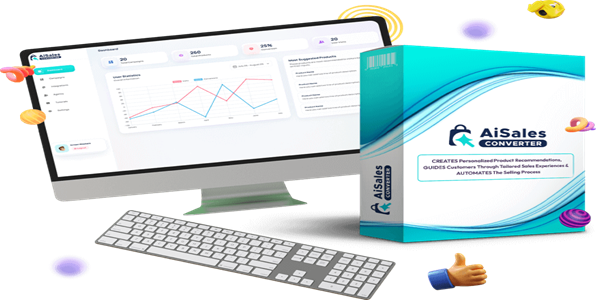
Revolutionary ‘SalesSense AI Tech’ Automates Personalized Selling & Skyrockets Your Sales Without Lifting a Finger! So, the AI Sales Converter app literally chats with your website visitor, find them a product that fits them (your own or affiliate product) and sells it to them...all on autopilot.
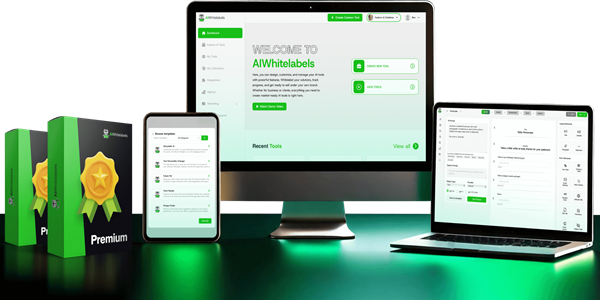
Easily Create & Sell 100% Unique 'No Code' AI Tools Complete with Opt-ins, Payments, Customized AI Marketing and More. AIWhiteLabels creates an AI tool from scratch using the no-code drag & drop app builder. Customize everything with lots of elements to make any AI software tool exactly how you want.